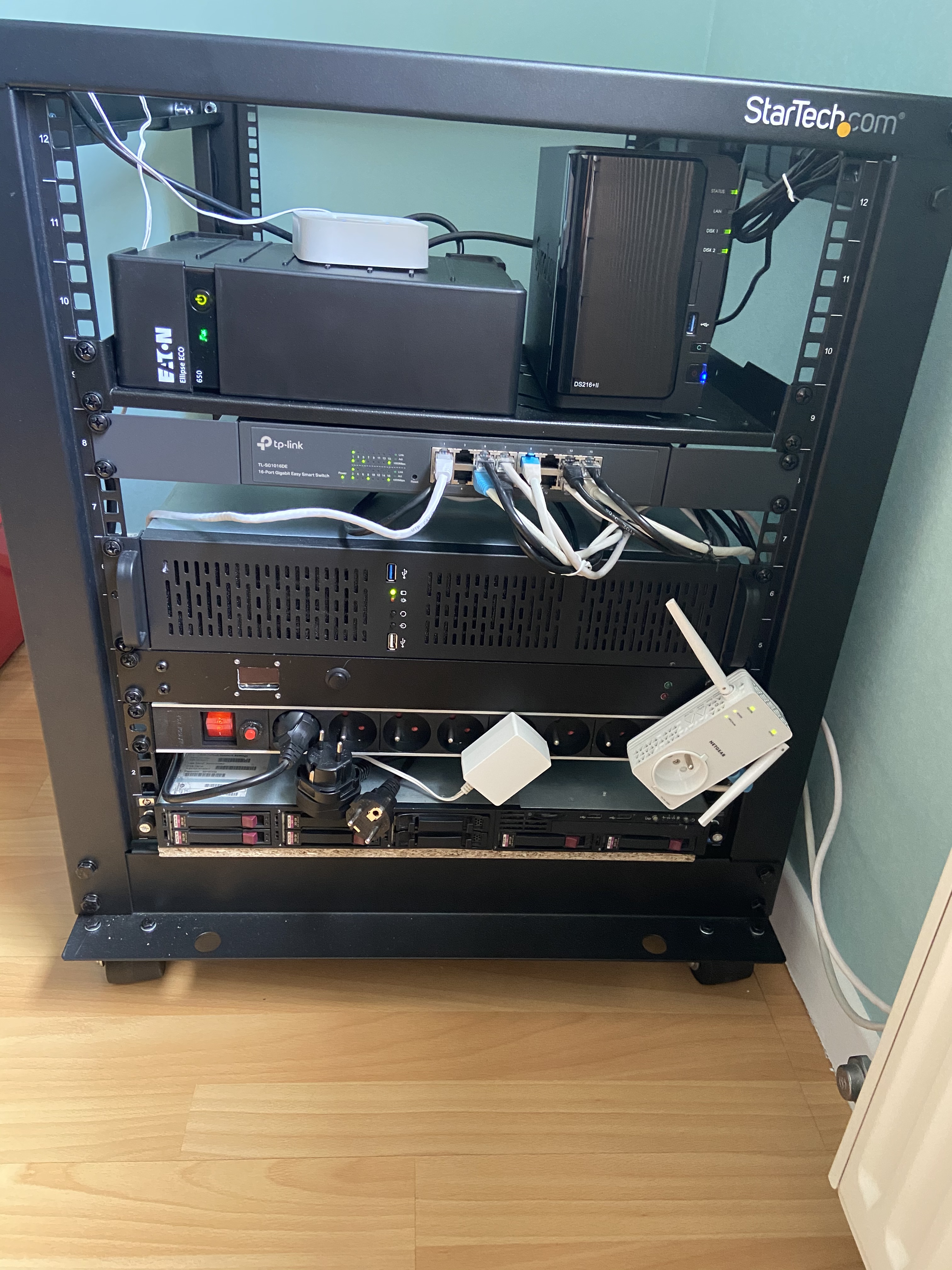
After several months of contemplating whether to set up a homelab, the period of confinement finally pushed me to take build it.
Homelabs can vary greatly depending on what one aims to accomplish with them. In my case, I’d like to have the ability to explore a wide range of functionalities, including:
- System administration (Linux and Windows)
- Virtualization
- Networking
- Development tools, version control, and code quality management
- Monitoring
- Internet of Things (IoT) devices
These components constitute the foundation of my homelab setup, allowing me to delve into various aspects of IT infrastructure and development within the comfort of my own home.
Pros & Cons
Having a homelab offers several advantages compared to using a cloud solution like OVH, AWS, Azure, etc.:
- Protection of Personal Data: Personal data can be better protected within the homelab environment.
- Cost Savings: Over the long term and for personal use, the homelab can lead to significant savings, especially if substantial resources are required.
- Independence from Third-Party Services: Greater independence from third-party services when utilizing a homelab.
- Control at Every Level: Mastery over each level of the homelab, including hardware, network, and system configurations.
- Availability during Internet Outages: Homelab resources remain available even during internet outages, ensuring continued functionality.
However, there are also some drawbacks to consider:
- Dependence on Overall Configuration and Network Quality: The effective operation of a homelab hinges on its overall configuration and the quality of its network.
- Lack of Support: In the event of problems, it’s crucial to have a good understanding of the environment.
- Continuous Power Requirement: Homelab setup must remain powered on 24/7 to maintain availability.
- Initial Investment: There’s an upfront investment required to set up the homelab, which includes purchasing necessary hardware and software components.
Hardware
Synology DS216+II
Over the past few years, I’ve acquired a NAS (Network Attached Storage) and an HP rack server, which I use for storing personal data and deploying tools for testing purposes such as development, sandbox environments, system administration, networking, monitoring, and more.
The NAS specifically is a Synology DS216+II, configured as follows:
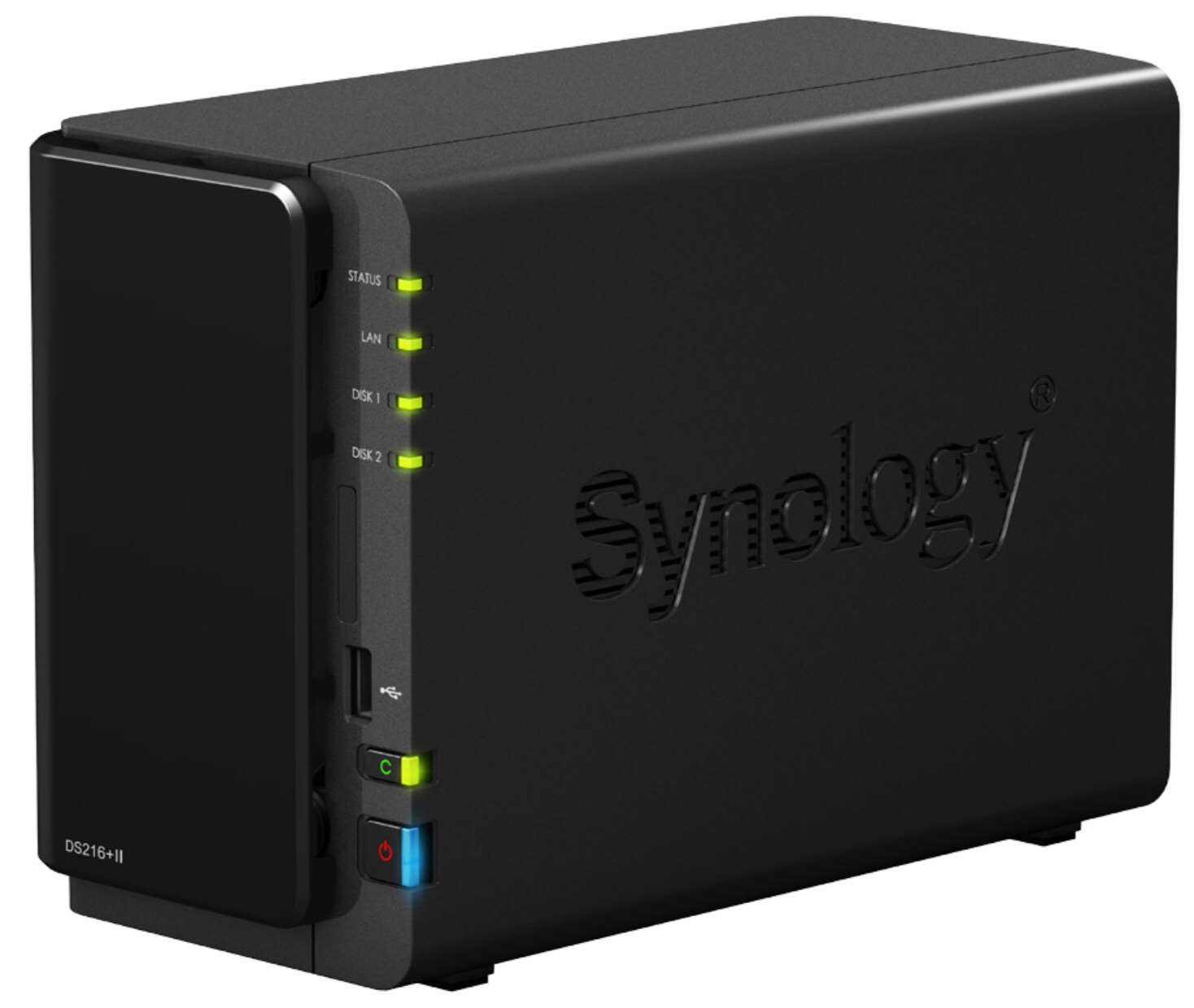
- Processor: Intel Celeron N3060
- Memory: 8Go (Upgraded, intially it’s 1Go)
- Drives: 2 x 1 To Sata 5K
- Network: 1 Ethernet Gigabit interface
HP Proliant DL160 G6
The HP Proliant DL160 G6 is a rackable server.
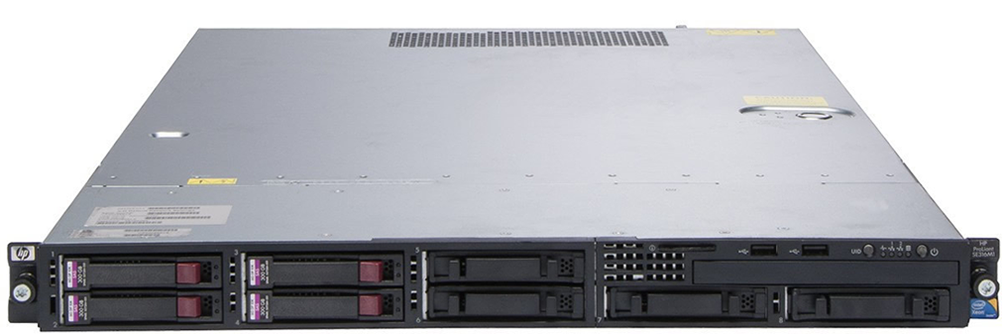 I have it with the following configuration:
- Processor: 2 x Intel Xeon 5690
- Memory: 32 GB DDR3 ECC
- Drives: 4 x 300 GB SAS 10K + 2 x 300 GB Sata SSD
- RAID: HP Smart Array P410i with 1GB cache and a battery
- Network: 2 Gigabit Ethernet interfaces + 1 management interface (for IPMI)
I’m very satisfied with both of these servers, especially regarding the HP’s configuration, which is quite powerful. However, it’s notably noisy (especially being a 1U server) and consumes a significant amount of electricity compared to my usage.
Main Server
Due to the power consumption and noise of the HP Proliant DL160 G6, I deciced to build a custom one using classic material of PC configuration with rack-mounted chassis:
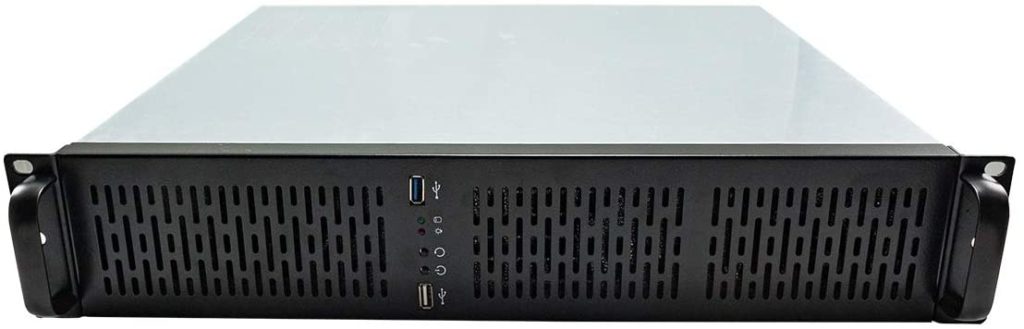
- Processor: Intel Core i5-9600k.
- Memory: Initially equipped with 16 GB of RAM, I have extended to 64GB later on.
- Storage: Utilizes two 2 TB 5.2k RPM hard drives for storage needs.
- RAID: Relies on software RAID for data redundancy and performance enhancement.
- Networking: Features one Gigabit Ethernet interface integrated into the motherboard, supplemented by an additional two Gigabit Ethernet interfaces provided by a separate network card.
Its configuration, while less powerful than the HP Proliant DL160 G6, is more than sufficient for routine tasks such as software tests, network management, development, and daily operations. The use of software RAID allows for basic data redundancy and fault tolerance, while the network interfaces provide ample connectivity options for networking tasks. Overall, this server complements the HP Proliant DL160 G6 by providing a quieter, more energy-efficient solution for day-to-day operations within the homelab environment.
TP-Link TL-SG1016DE Switch
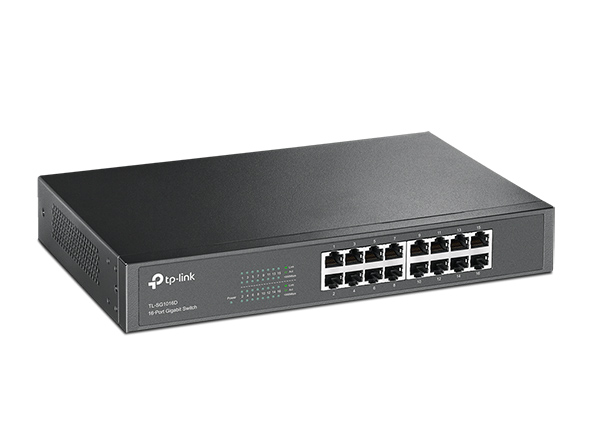
This TP-Link switch offers a balance between affordability, manageability, and functionality. While it may not boast the advanced features of high-end enterprise switches, it provides ample capabilities for home networking needs. The ability to create VLANs adds flexibility to network segmentation and management, catering to various usage scenarios within the homelab environment. Overall, it’s a cost-effective solution that meets my networking requirements without breaking the bank.
Eaton UPS
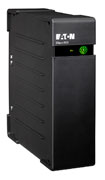
Having endured multiple power outages in the past, I recently acquired this Eaton UPS to ensure the protection of consistently powered equipment.
Plug Block
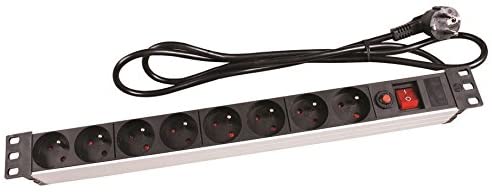
This block of 8 plugs will be connected to the UPS to power the equipment.
Rack bay
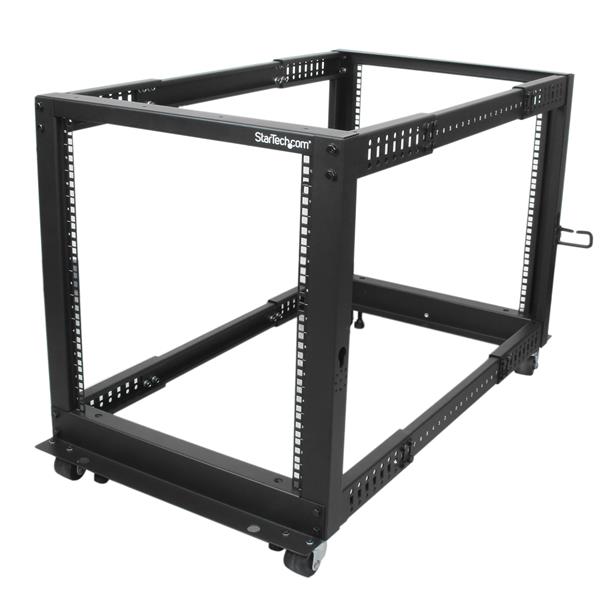
After several months of hesitation, the homelab will be installed in a 12U rack bay from the StartTech brand. This will allow the placement of the aforementioned equipment while also leaving space for future modifications.
Everything will be mounted like bellow:
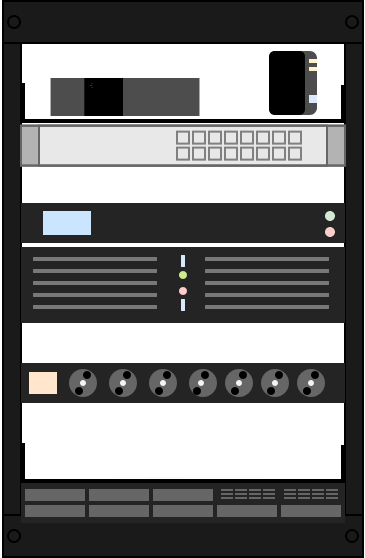
Result
The picture bellow show the final picture of the hardware installed on the bay: